Cyber Threat: Phishing

What is phishing?

Phishing is a cyber attack in which cybercriminals impersonate legitimate individuals or organizations to trick victims into revealing sensitive information, like passwords or financial details. They use fake emails, text messages or websites, as well as phone calls and social media messages, to gain unauthorized access to critical systems and accounts.
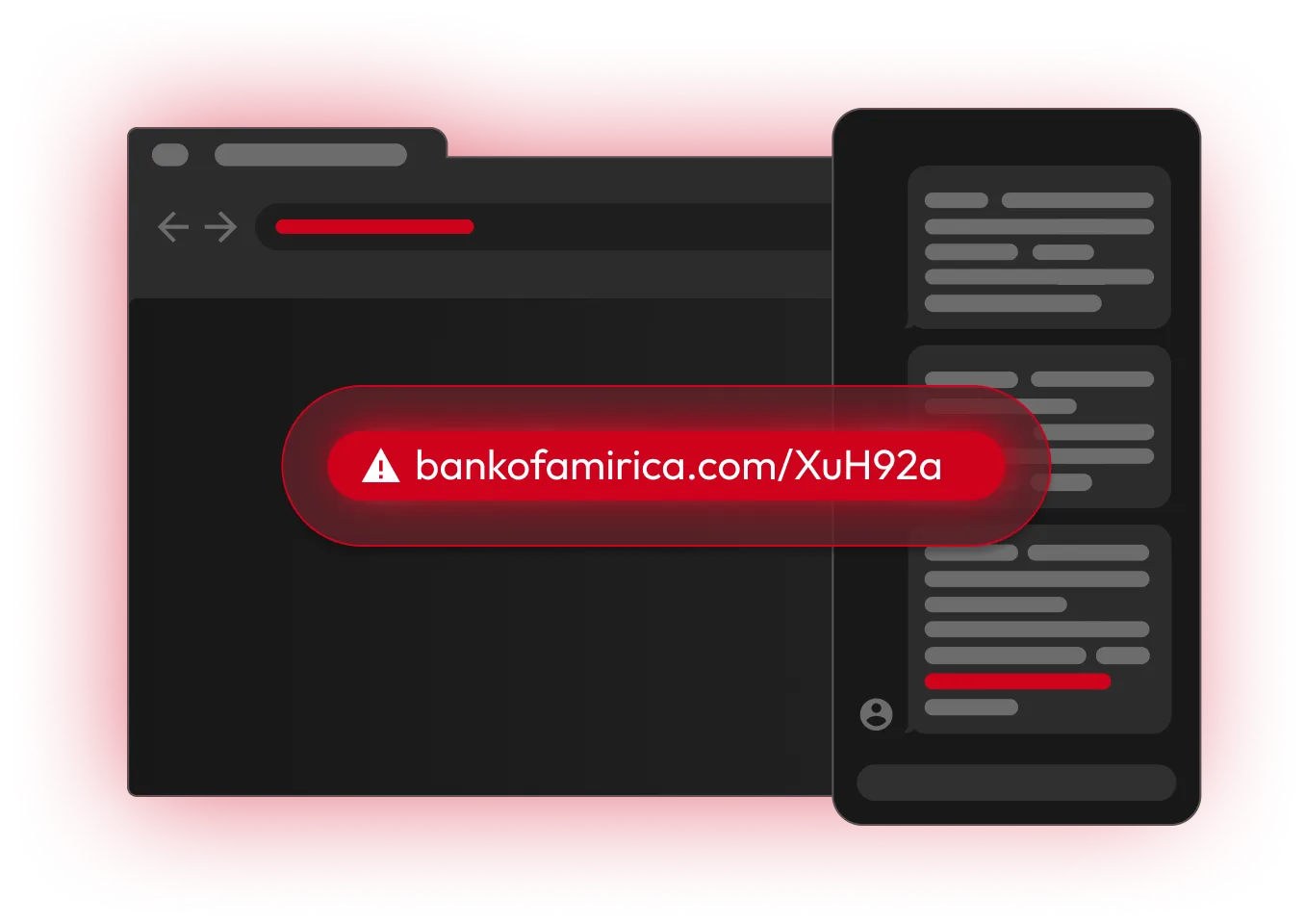
Keeper phishing protection graphic highlighting a suspicious banking URL in red.
82%

Of phishing emails were estimated to leverage AI-generated content in 2025.

57%

Of organizations reported experiencing phishing scams weekly or even daily in 2025.

16%

Of cybercriminals reported using phishing as an initial access vector in 2025.

How are phishing attacks carried out?

Despite the many types of phishing attacks, they tend to follow a similar pattern.

1. Trick the victim

Cybercriminals impersonate trusted brands in messages that create urgency, pressuring users to act before verifying the request.

2. Prompt an action

The message prompts the user to click a link or open an attachment, leading to a spoofed website or the delivery of malware.

3. Collect data

After the user engages with the malicious content, cybercriminals can steal login credentials and other sensitive data to commit identity theft or account takeovers.

Eight common types of phishing attacks

Email phishing

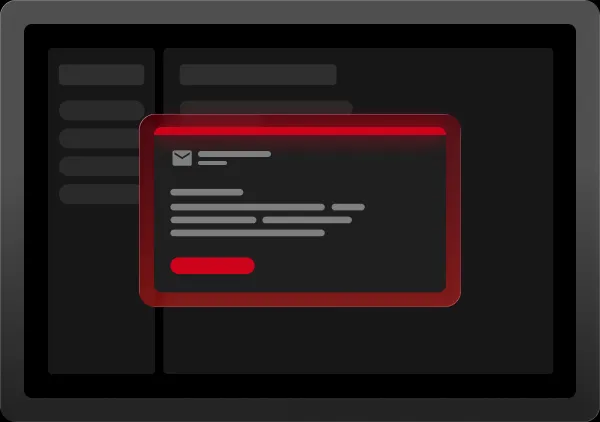
Email phishing is the most common type of phishing, in which cybercriminals send emails that appear to come from trusted sources. These emails typically contain malicious links or attachments designed to steal credentials or install malware.

Keeper phishing alert graphic showing a suspicious email notification highlighted in red on a computer screen.

Smishing

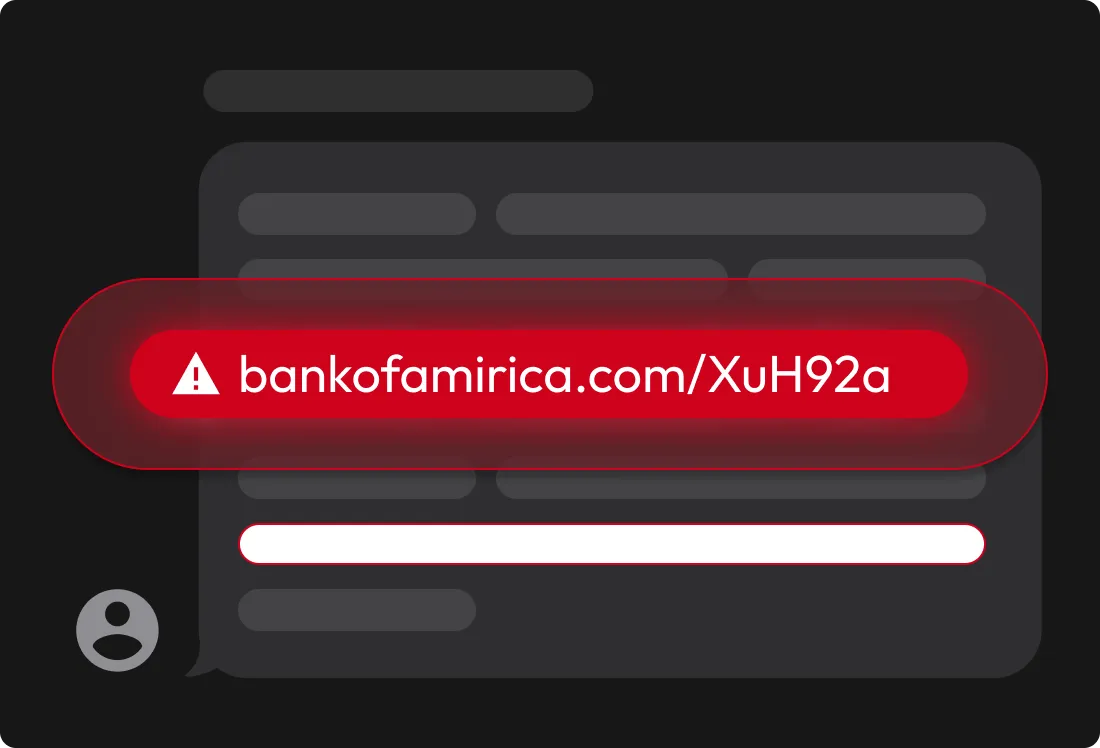
Smishing, or SMS phishing, uses text messages to impersonate trusted organizations, such as banks or delivery services. Victims are urged to click malicious links or respond to messages with sensitive information.

Keeper phishing protection graphic highlighting a suspicious banking link in a chat message.

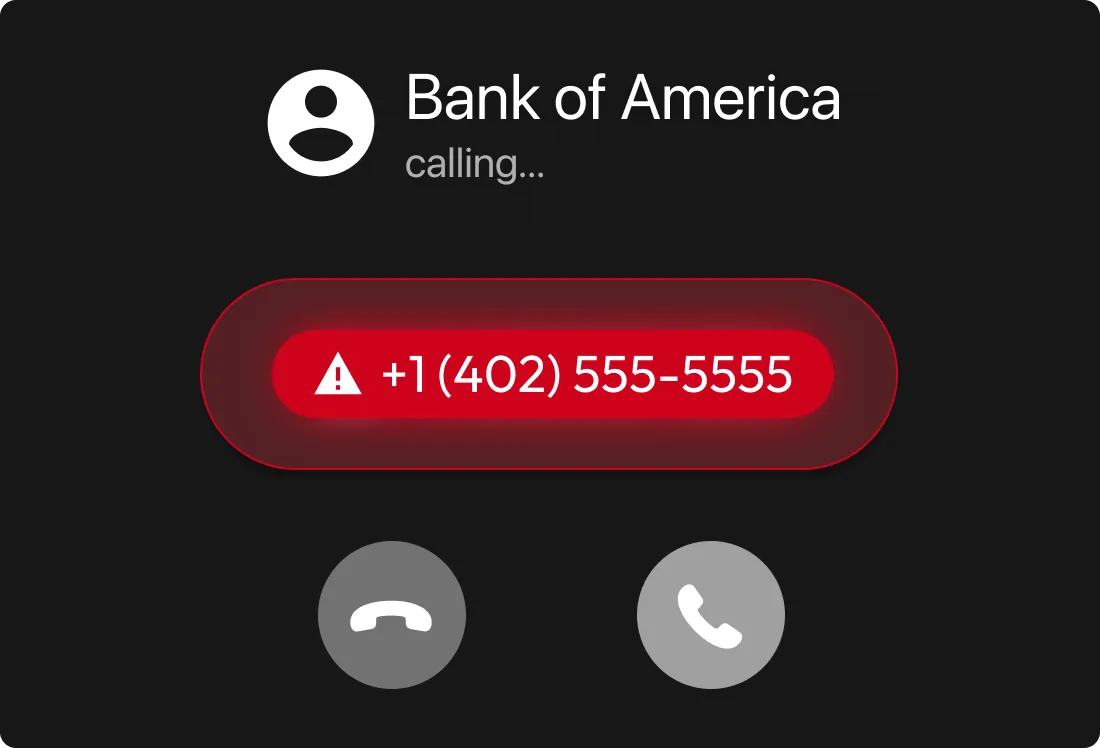
Vishing

Vishing, or voice phishing, uses phone calls to scam victims, most often by impersonating IT support, government agencies or banks. They rely on social engineering to pressure victims into revealing credentials or One-Time Passwords (OTPs).

Keeper phishing protection graphic highlighting a suspicious phone number in a Bank of America impersonation call.

Malvertising

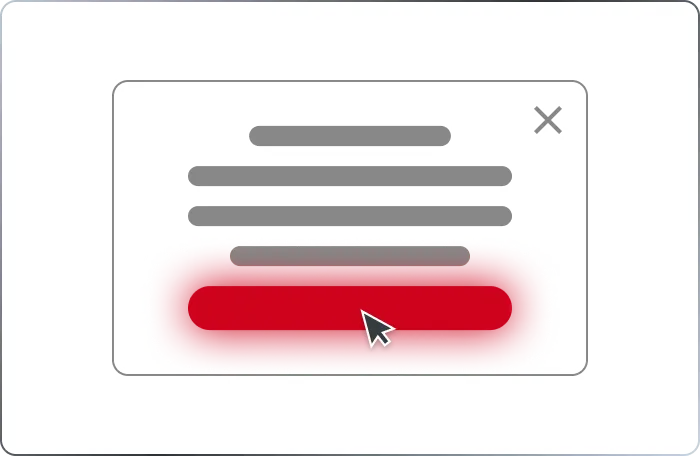
Malvertising involves placing malicious advertisements on legitimate websites or ad networks. When clicked, these ads redirect users to spoofed login pages or trigger malware infections.

Keeper phishing protection graphic showing a suspicious pop-up window highlighted in red on a web browser.

Business Email Compromise (BEC)

BEC targets employees by impersonating executives or third-party vendors to request money or sensitive information. These emails appear very credible and exploit trust within an organization.

Keeper phishing protection graphic showing a suspicious message highlighted in red on a computer screen.

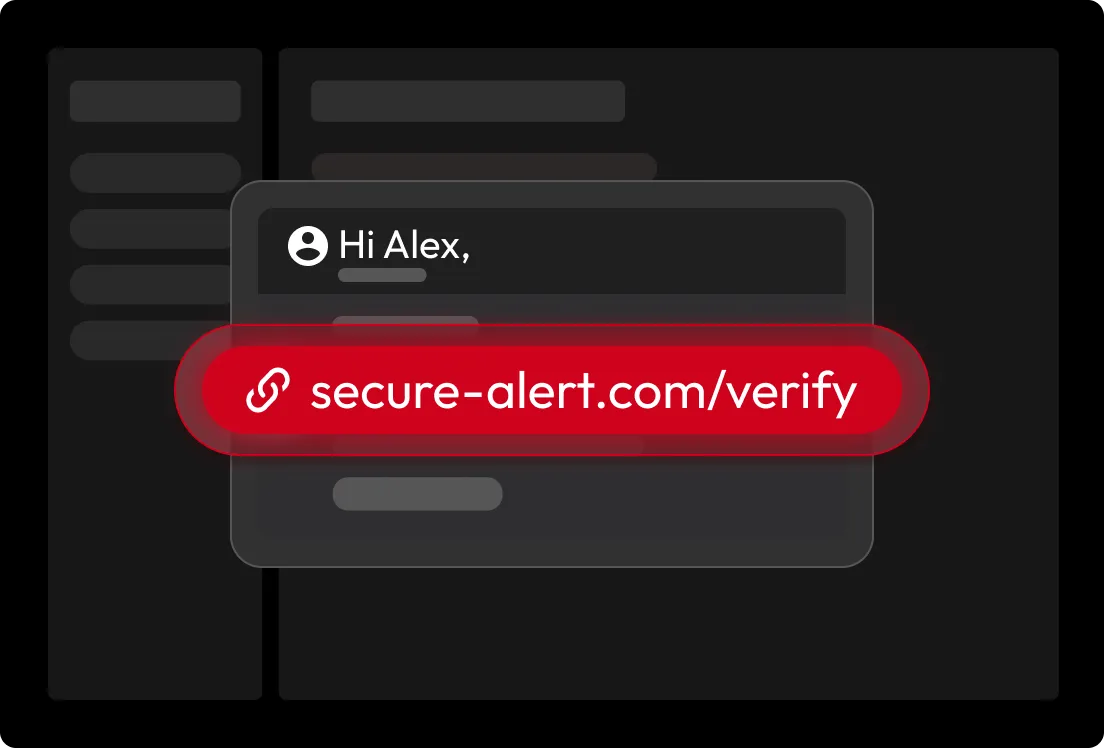
Spear phishing

While generalized phishing has no specific target, spear phishing is very personalized and uses publicly available or previously leaked data to create convincing messages. The goal of spear phishing is to trick a specific person into clicking a link or sharing sensitive data.

Keeper phishing protection graphic highlighting a suspicious verification link in a message.

Whaling

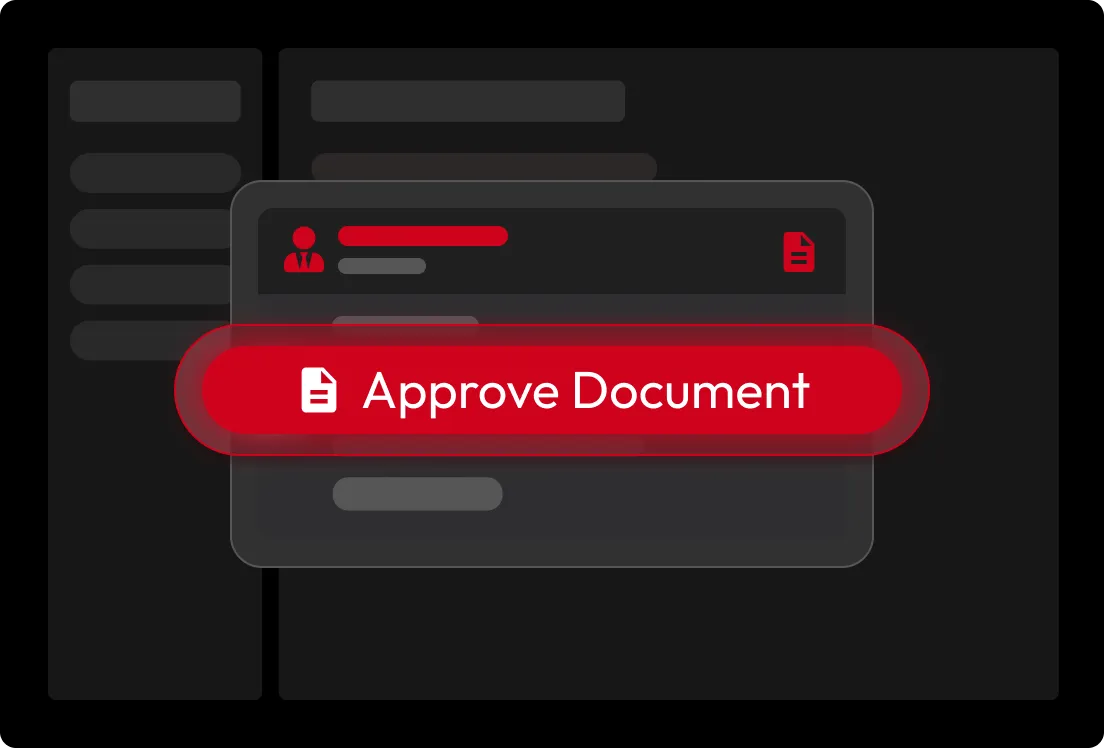
Whaling targets executives or other high-level individuals with phishing emails that mimic legal or financial communications. These attacks are designed to gain access to privileged accounts or highly confidential information.

Keeper phishing protection graphic highlighting a suspicious "Approve Document" button in a message.

Watering hole phishing

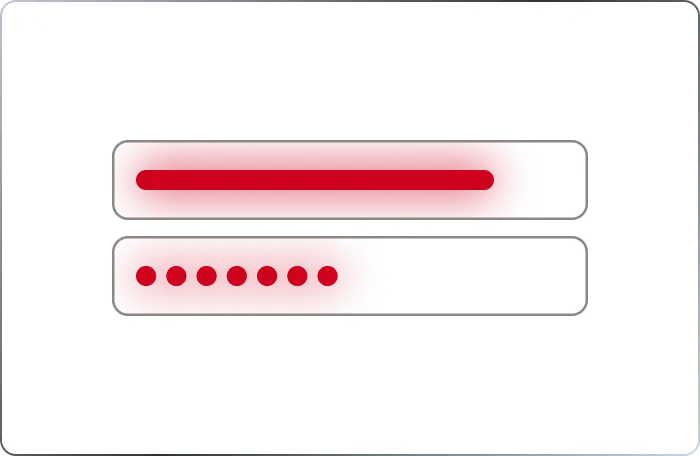
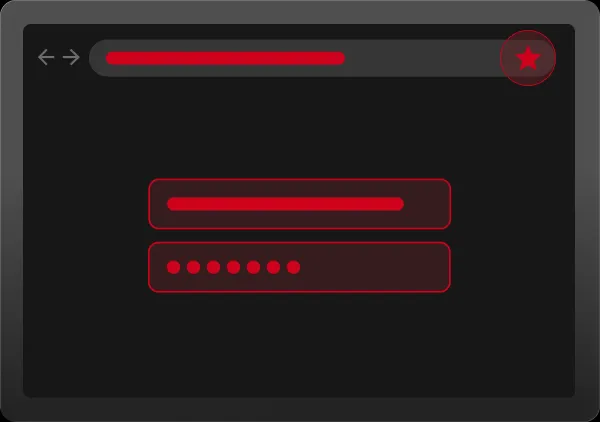
In a watering hole attack, cybercriminals compromise websites frequently visited by their targets, like online forums or login portals. When a victim visits the compromised website, they may unknowingly download malware or be redirected to a spoofed website.

Keeper phishing protection graphic showing a suspicious login page with highlighted username and password fields.

What happens if you click a phishing link?

Clicking a phishing link can have immediate or delayed consequences. You might be redirected to a spoofed website that steals your login credentials or trigger a silent malware infection — like ransomware, spyware or keyloggers — that compromises your device or entire network.

How to identify phishing attempts

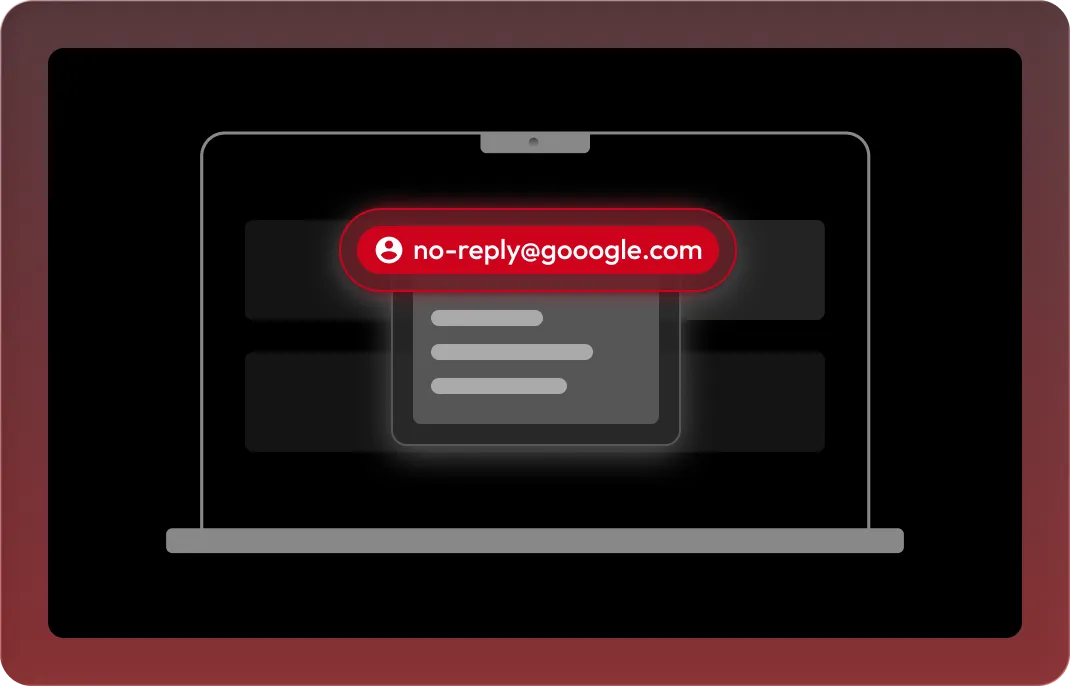
Unusual sender domain

A phishing email may seem to come from a legitimate brand, but the sender's domain is suspicious or slightly misspelled.

Keeper phishing protection graphic highlighting a suspicious email sender impersonating Google.

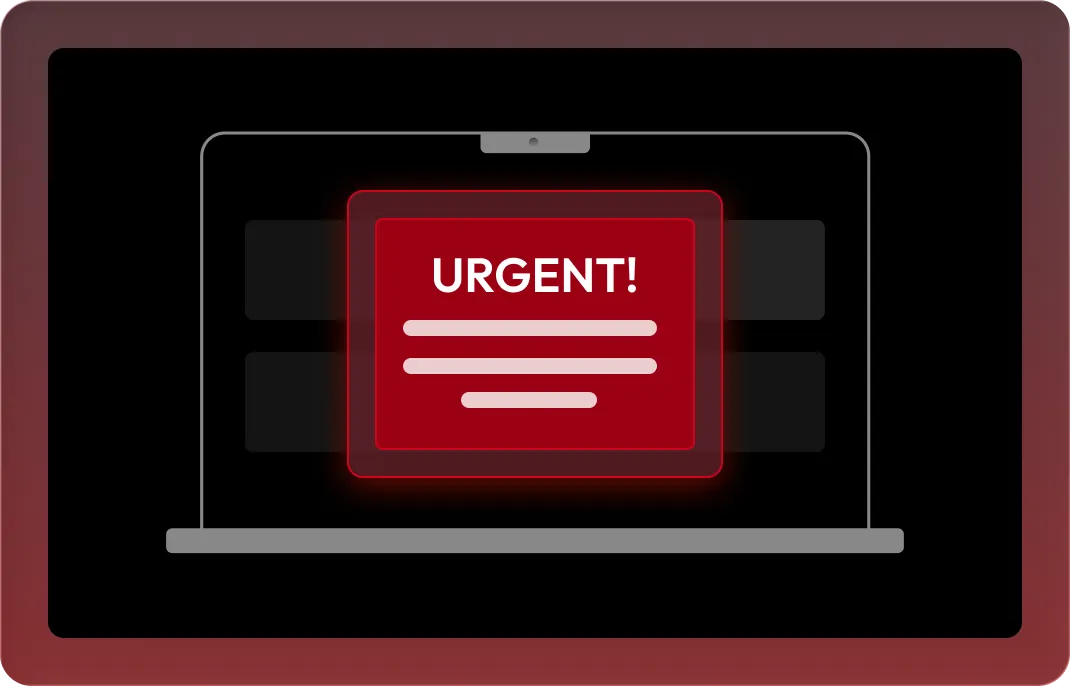
Urgent language

Phrases claiming immediate action is required or that your account will be deleted are used to incite panic and prompt you to react without thinking.

Keeper phishing protection graphic showing an urgent message highlighted in red on a laptop.

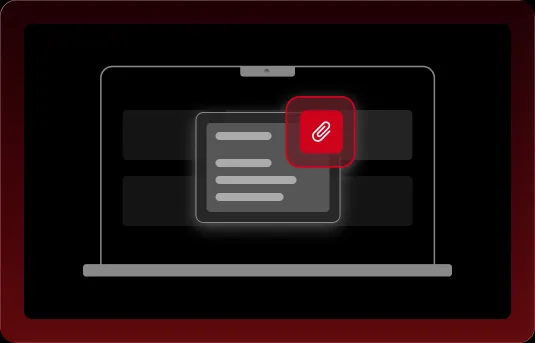
Unsolicited links or attachments

Emails may include unfamiliar links or attachments disguised as receipts, invoices or other PDFs.

Keeper phishing protection graphic highlighting a suspicious email attachment on a laptop.

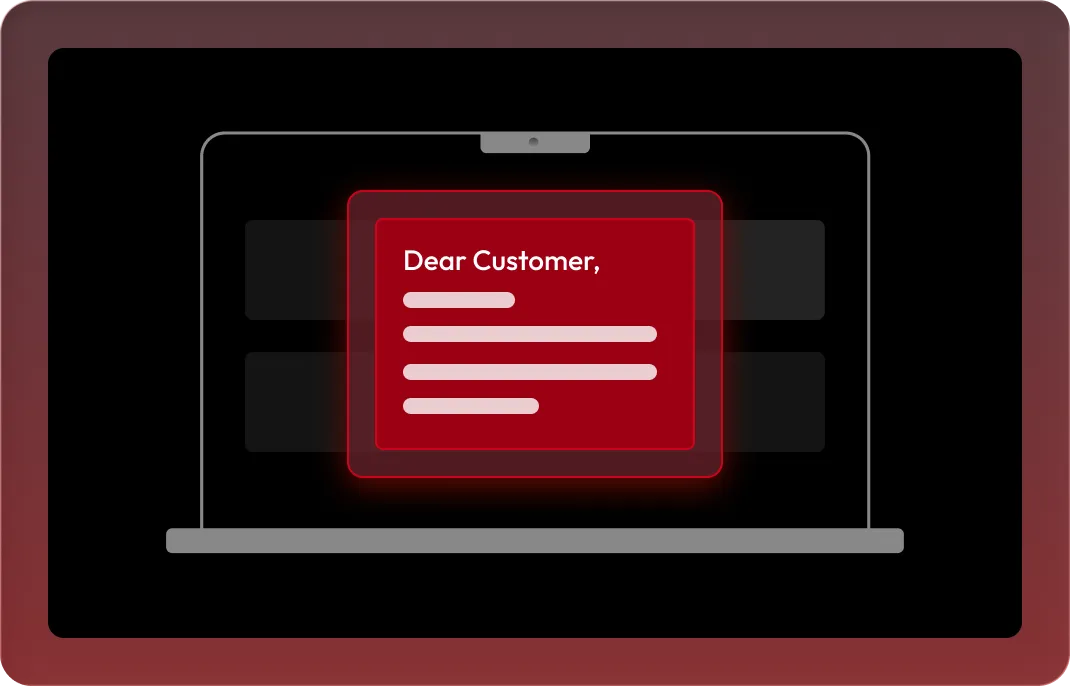
Generic greetings

Phishing emails typically use vague greetings, such as "Dear Customer," rather than your name.

Keeper phishing protection graphic showing a generic "Dear Customer" email highlighted in red as a phishing warning.

How to protect against phishing attacks

Never click unsolicited links or attachments

Avoid clicking links or opening files from unexpected emails or texts, even if they appear to come from a familiar source. Always verify the sender's identity through another contact method before engaging.

Use an email scanner

Enable email filtering and anti-phishing tools that automatically scan messages for malicious content. Many email platforms offer built-in security features that should be configured and monitored regularly to stay protected.

Run antivirus software

Keep your antivirus software up to date to detect and eliminate phishing-related cyber threats like ransomware or spyware that may be delivered via malicious links or attachments.

Invest in an anti-phishing password manager

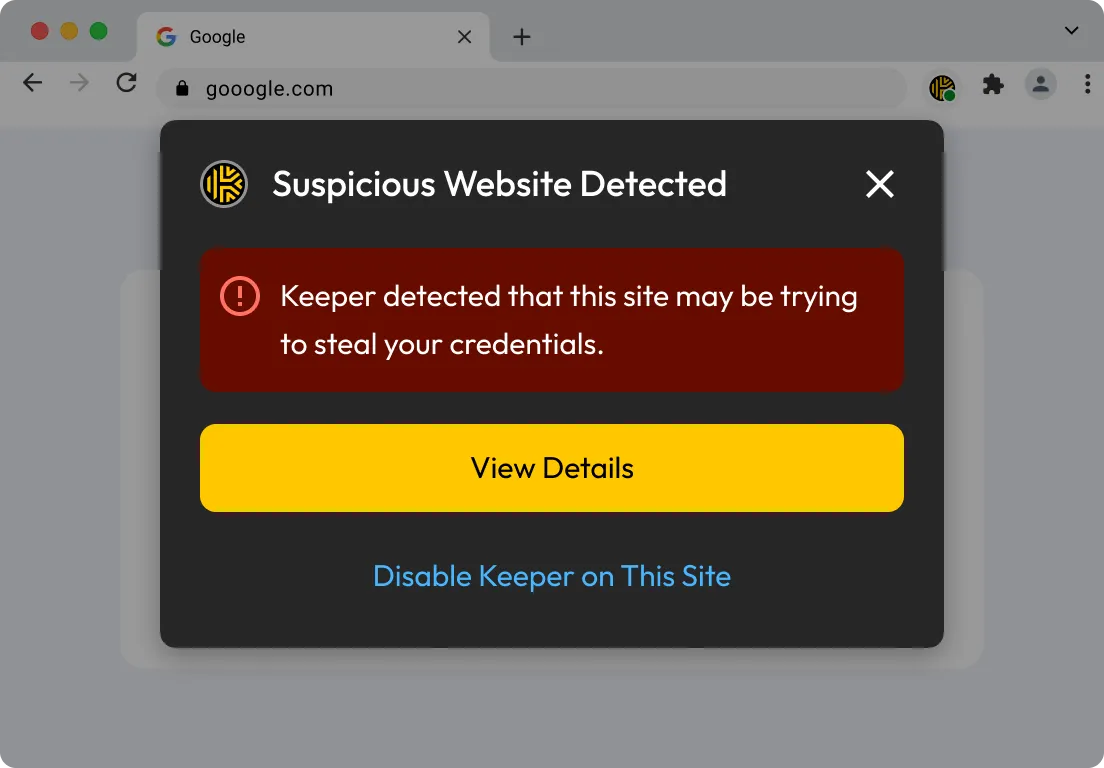
Keeper Password Manager helps stop phishing by autofilling credentials only on the websites where they're saved. Its anti-phishing feature, Verify Mode, also warns you if passwords are pasted on sites that don't match what's saved in your vault.

Keeper browser extension showing a suspicious website warning with options to view details or disable Keeper on the site.

Spot phishing sites with Keeper's AI-powered Phishing Protection

Some phishing sites are very convincing, but Keeper's AI-powered Phishing Protection checks the websites you visit for common warning signs of fake login pages. Using a zero-knowledge AI model that runs locally in your browser, Keeper alerts you if a site looks suspicious before you log in.

Withdraw Cookie ConsentWe value your privacy

We use cookies on our site to give you the best browsing experience, serve personalized ads about our products and content, and analyze website traffic. To learn more, please refer to our Privacy Policy.

Sign up for a Free Trial

Buy Now