Remote Privileged Access Management (RPAM)
Secure remote privileged access without exposing credentials
Provide employees, vendors and trusted third parties with privileged remote access to critical systems without requiring a VPN.
Provide employees, vendors and trusted third parties with privileged remote access to critical systems without requiring a VPN.
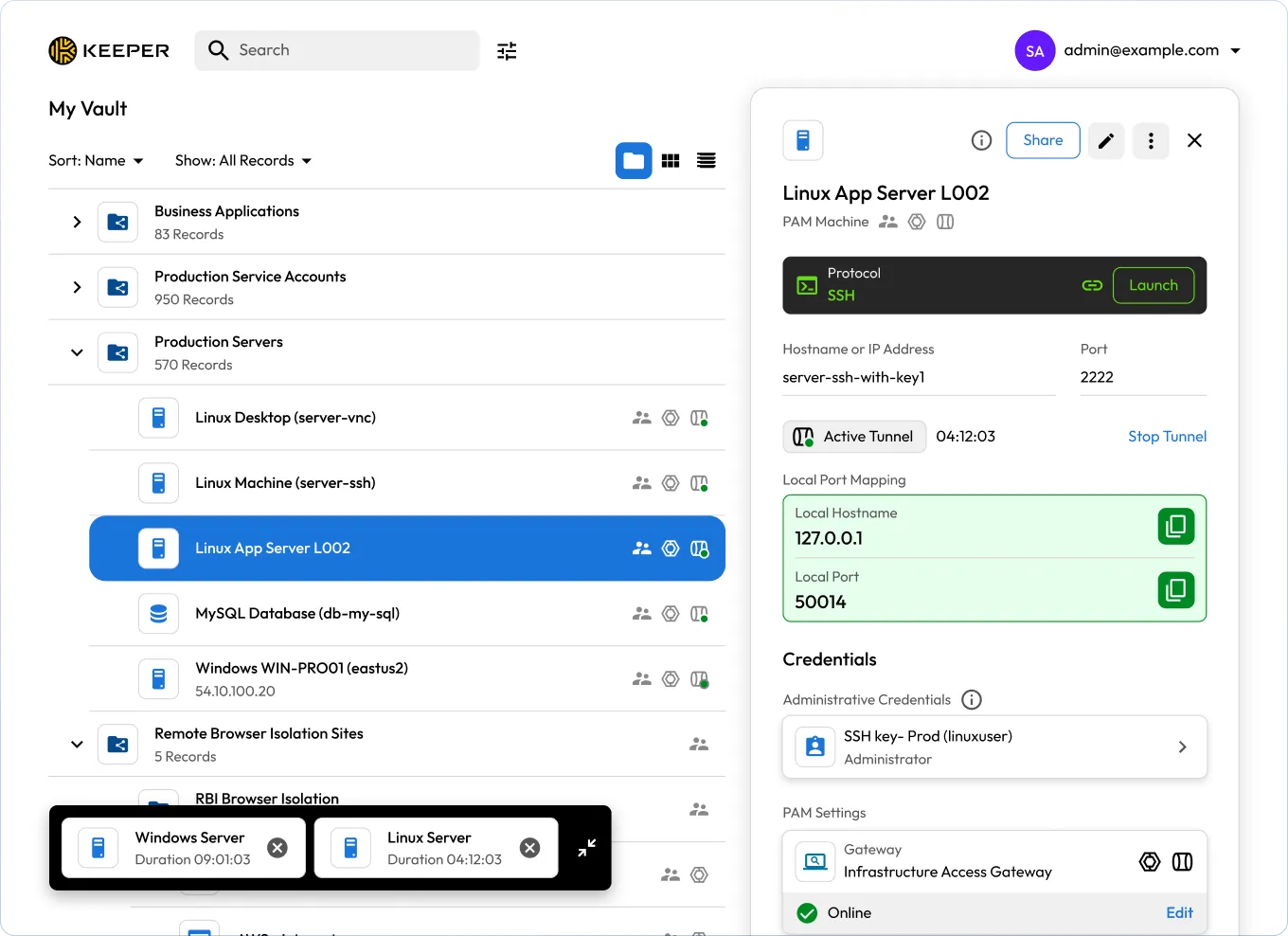

Unify access to multi-cloud and on-prem infrastructure. The Keeper Gateway provides secure, encrypted entry points across all environments.

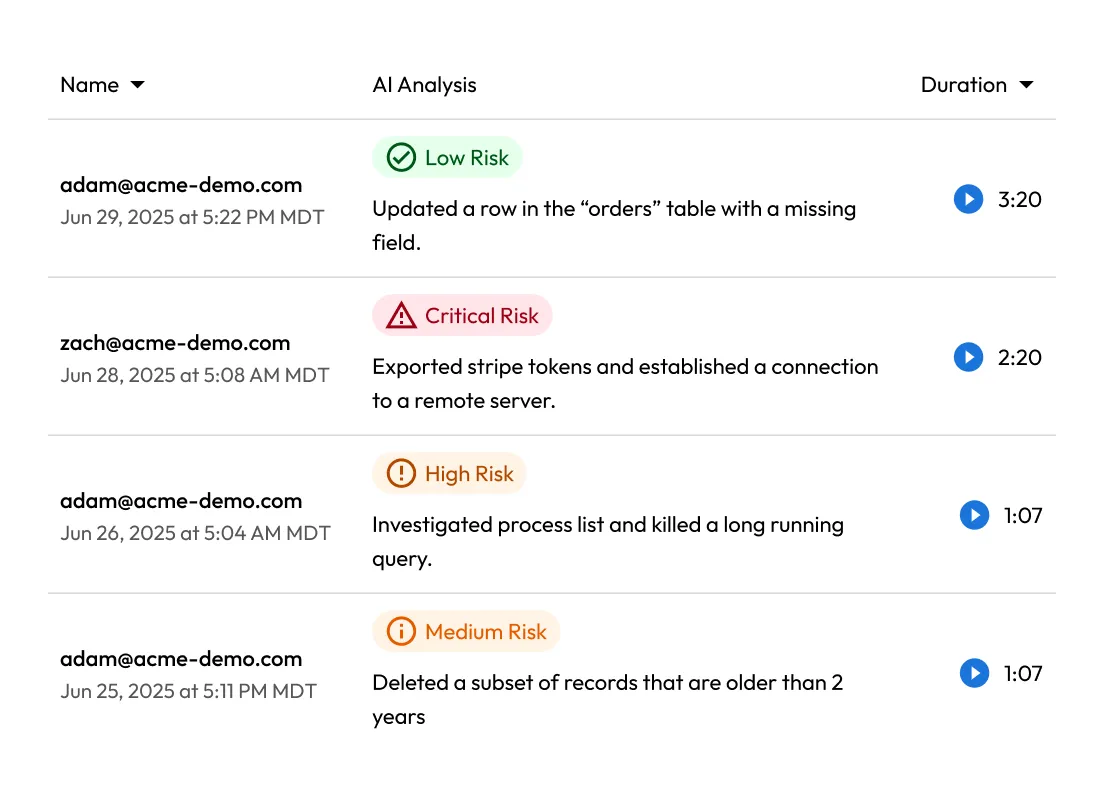
Record every click, keystroke and command. All session activity is logged and can be streamed to your SIEM for real-time analysis and auditing.

Enable encrypted remote access through encrypted tunnels and credential injection. No firewall changes, no broad network exposure, no VPNs required.

KeeperAI analyzes every session in real time, categorizes user activity and automatically ends high-risk sessions to stop threats instantly.
KeeperPAM enables secure remote access by routing all privileged connections through the Keeper Vault. This eliminates the need for direct access to target systems, reducing attack surfaces and simplifying remote access for users.
The Keeper Gateway establishes outbound, encrypted tunnels to target systems — no agents, VPNs or firewall changes required. This streamlines deployment while enforcing zero-trust principles across cloud and on-prem environments.
With KeeperPAM, users can receive temporary, time-bound access to infrastructure without ever seeing credentials or SSH keys. After access is revoked, credentials can be automatically rotated to prevent reuse and reduce risk.
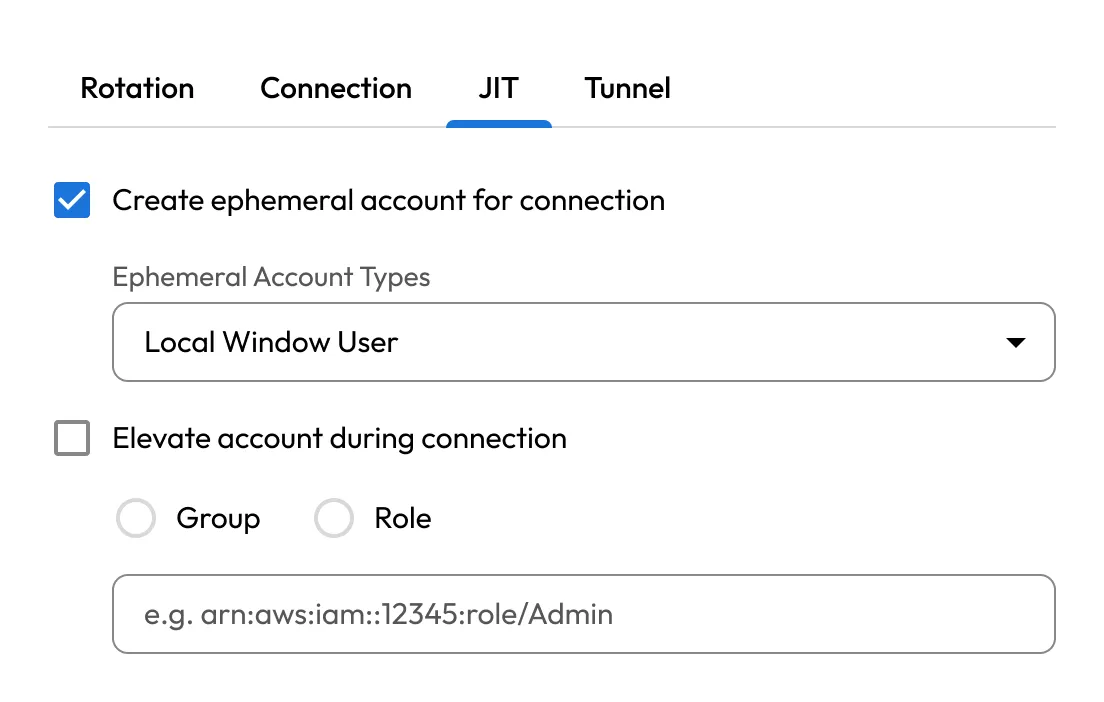
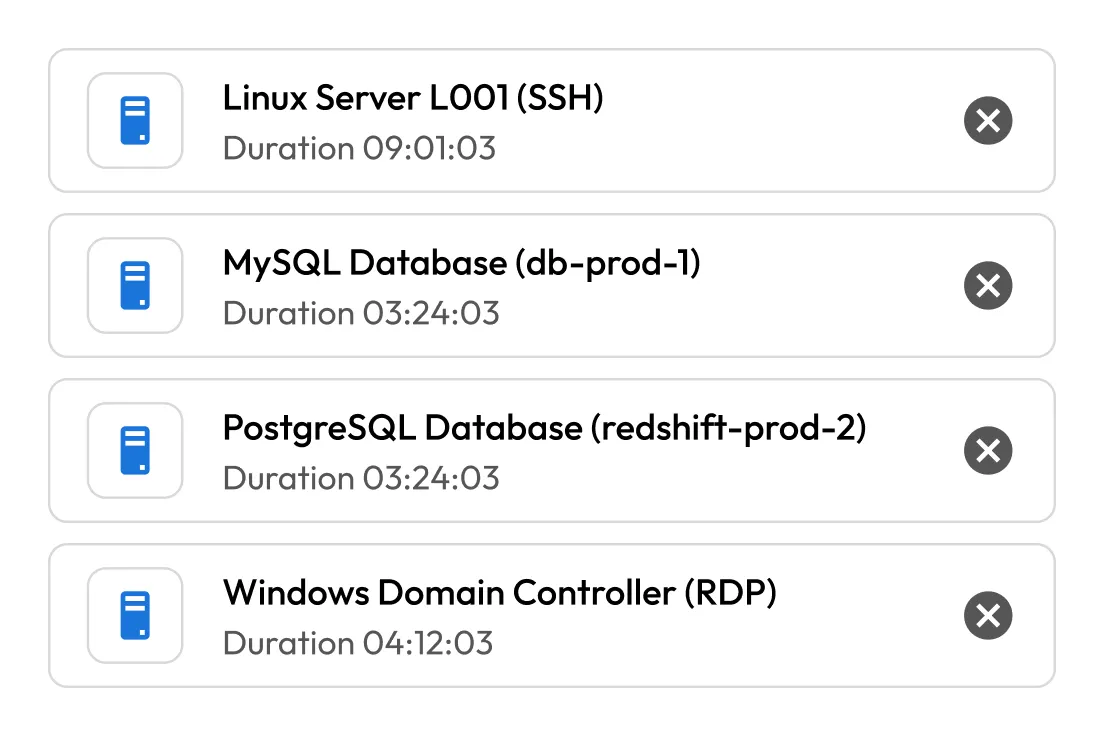
KeeperPAM supports popular development and database tools such as PuTTY, pgAdmin and MySQL Workbench. Users can initiate encrypted tunnels directly from the Vault, preserving secure access without changing workflows.
Centralize privileged access across AWS, Azure, GCP and on-prem systems in a single UI. Keeper Gateways deployed in each environment ensure consistent policy enforcement and visibility across distributed infrastructure.
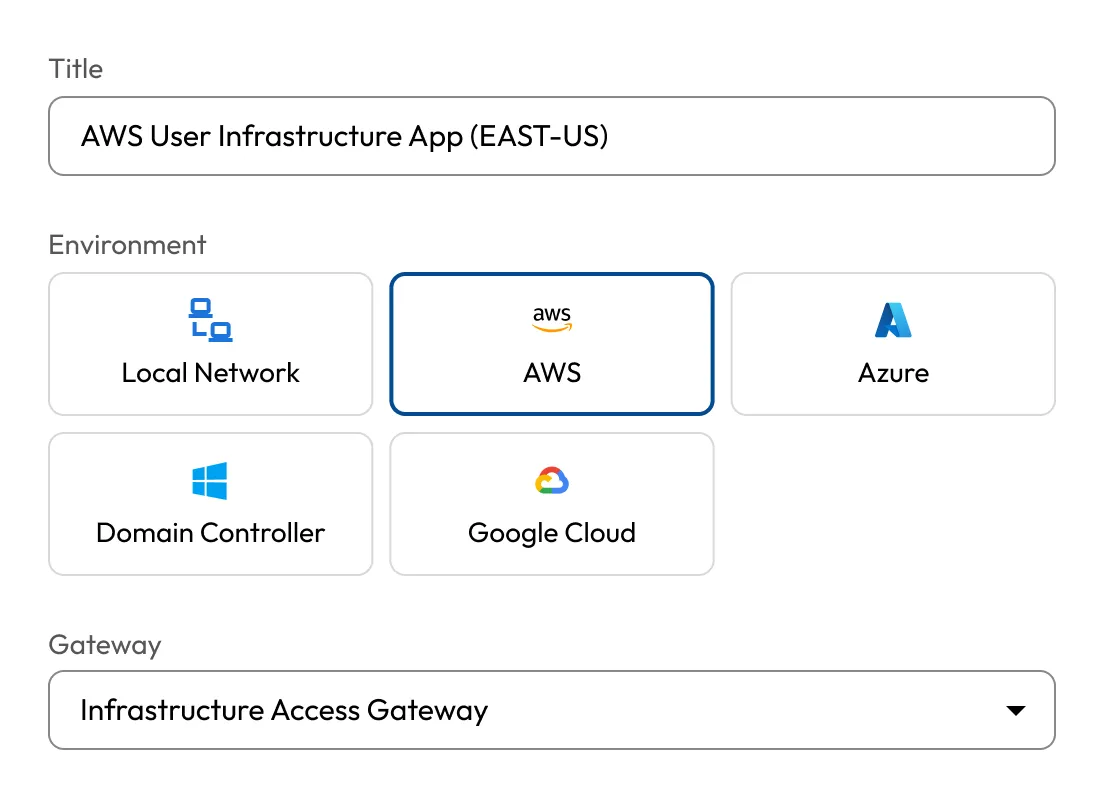
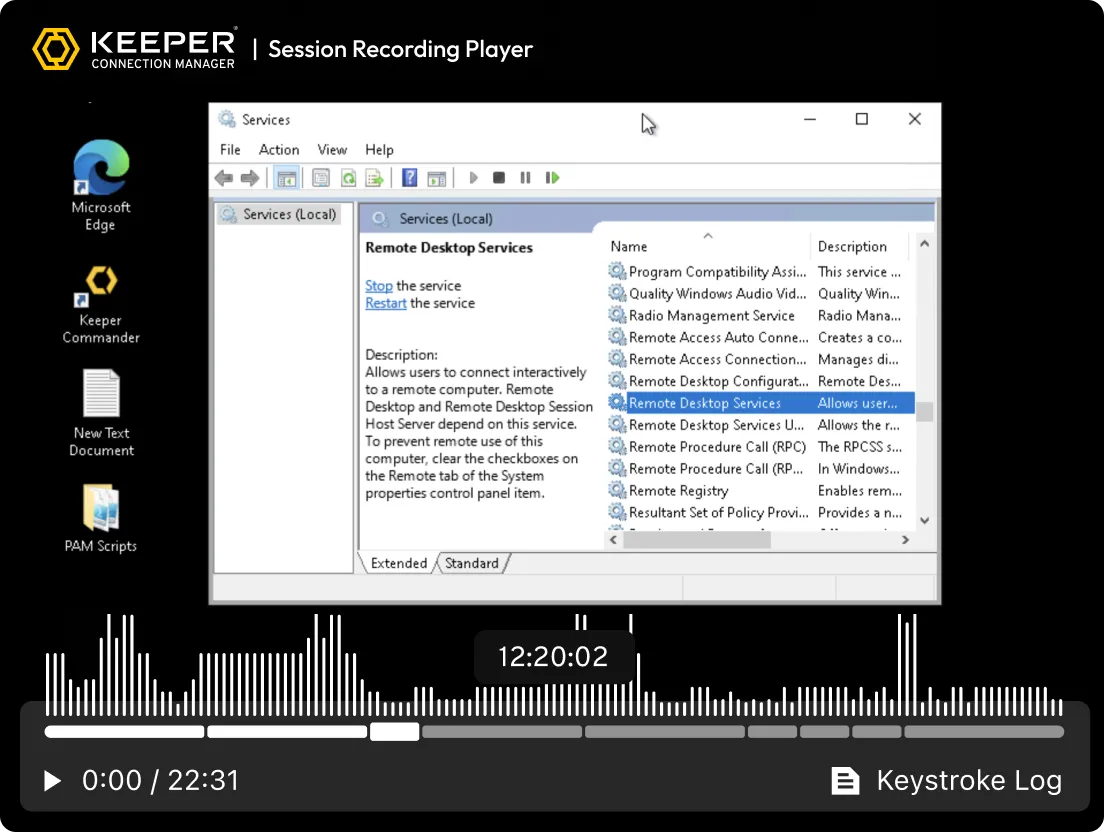
KeeperPAM records screen and keystroke activity for all remote sessions: SSH, RDP, VNC, database and browser. This ensures compliance, audit readiness and accountability for all privileged activity.
Apply granular Role-Based Access Controls (RBAC) and enforce Multi-Factor Authentication (MFA) across all systems, even those without native MFA.
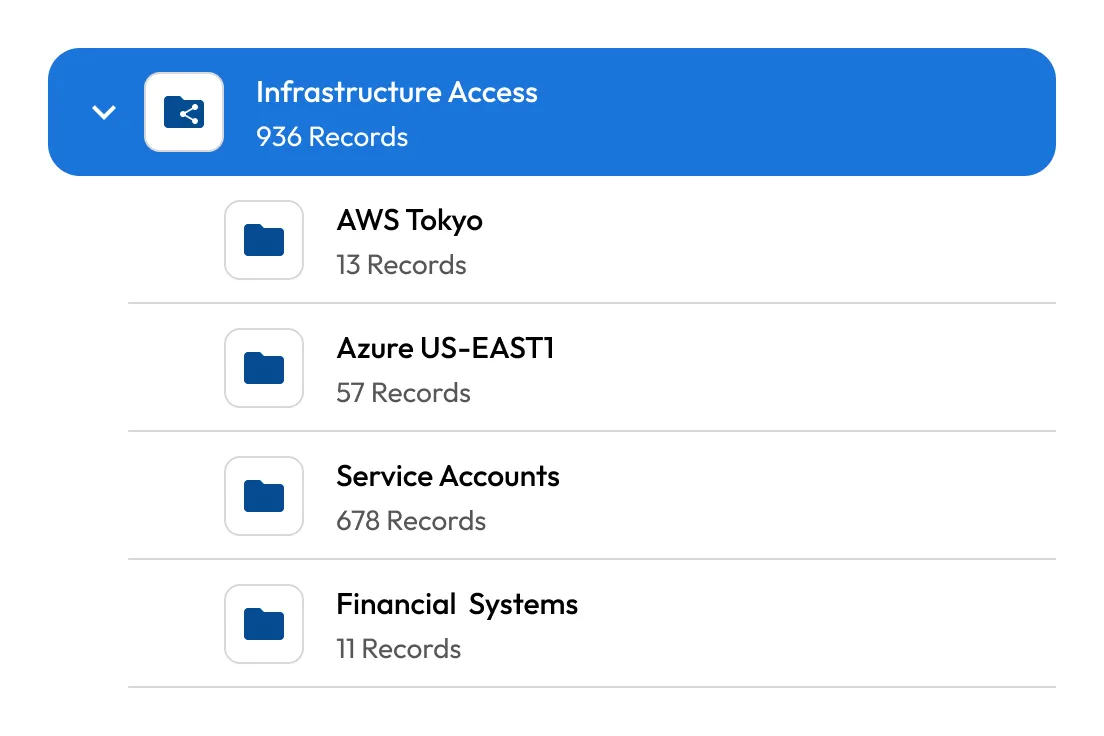

Centralize and automate secrets management across all environments. Keeper securely stores and rotates infrastructure secrets like API keys, certificates and database credentials.

Launch protected browser sessions to internal or web-based apps from within Keeper. This isolates the endpoint from sensitive web environments, prevents data exfiltration (copy/paste, downloads) and ensures secure access on BYOD devices.

Automatically record screen and keyboard activity across all remote sessions, including terminal, desktop, browser and database protocols. Recordings are encrypted and stored in the cloud for auditing, compliance and incident investigation.
KeeperPAM provides session recording, credential autofill and clear audit trails — among other capabilities — to enable secure browsing and zero-trust infrastructure access without a VPN or local agent.
RPAM is a security solution that allows internal and external privileged users, such as IT admins, third-party vendors and contractors, to securely access critical systems without relying on a traditional VPN. It enforces least-privilege principles and protects sensitive systems from unauthorized or excessive access.
The difference between RPAM and a VPN is that RPAM focuses on controlling privileged access, ensuring security and enforcing the principle of least privilege. A VPN simply provides broad, secure network access without managing the fine details of who can access what.
As the number of remote and external workers increases, organizations face new cybersecurity threats. The challenge is ensuring that privileged users can access systems and resources remotely without compromising security, compliance or productivity. Managing remote privileged access adds complexity, especially when VPN-based access is required, which can reduce flexibility and efficiency for both IT admins and end users.
KeeperPAM is designed to manage the complexities of remote privileged access, ensuring that access is tightly controlled, monitored and compliant. By combining granular access controls, secure session management, auditing and compliance features, it addresses the challenges of RPAM and helps organizations safely manage privileged access, even for remote workers.
Privileged users require elevated permissions to perform sensitive tasks. Securing this access involves balancing security, compliance and user convenience. When privileged users access systems remotely, traditional VPN solutions can introduce complexity and reduce productivity, making the task of securing access more difficult for IT teams.

You must accept cookies to use Live Chat.